









Clients review images in the gallery, mark favourites, submit their choices and send a message with the final selection. You get a cleaner handoff inside WordPress instead of chasing screenshots, filenames and email threads.
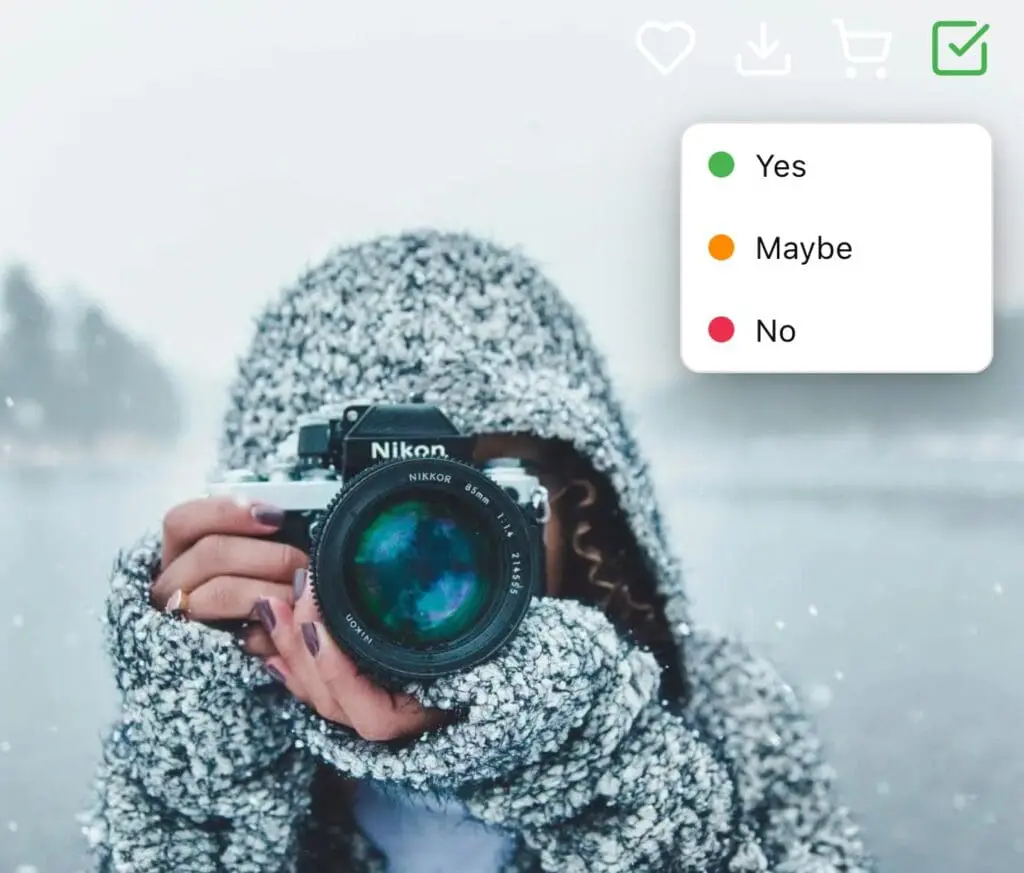
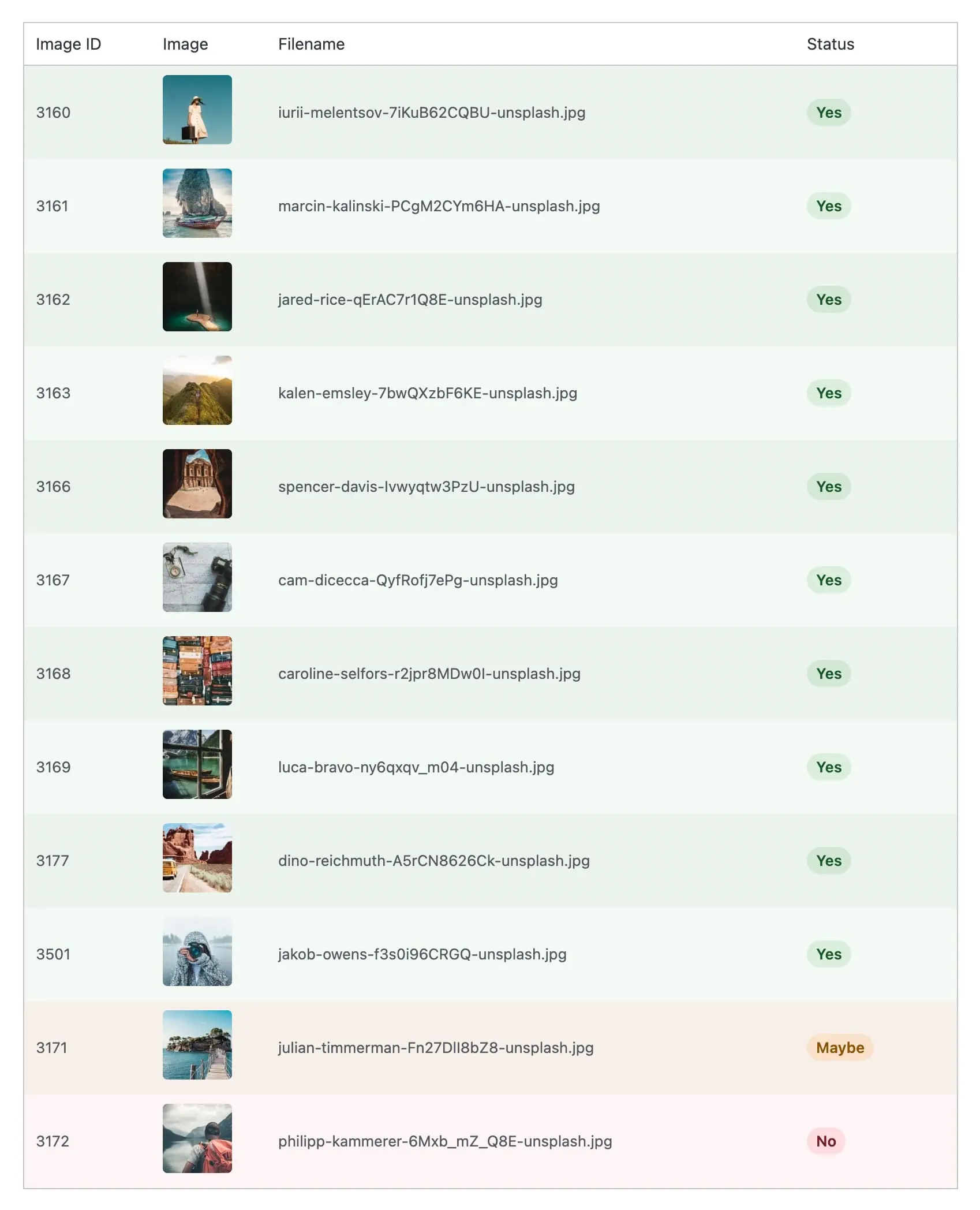
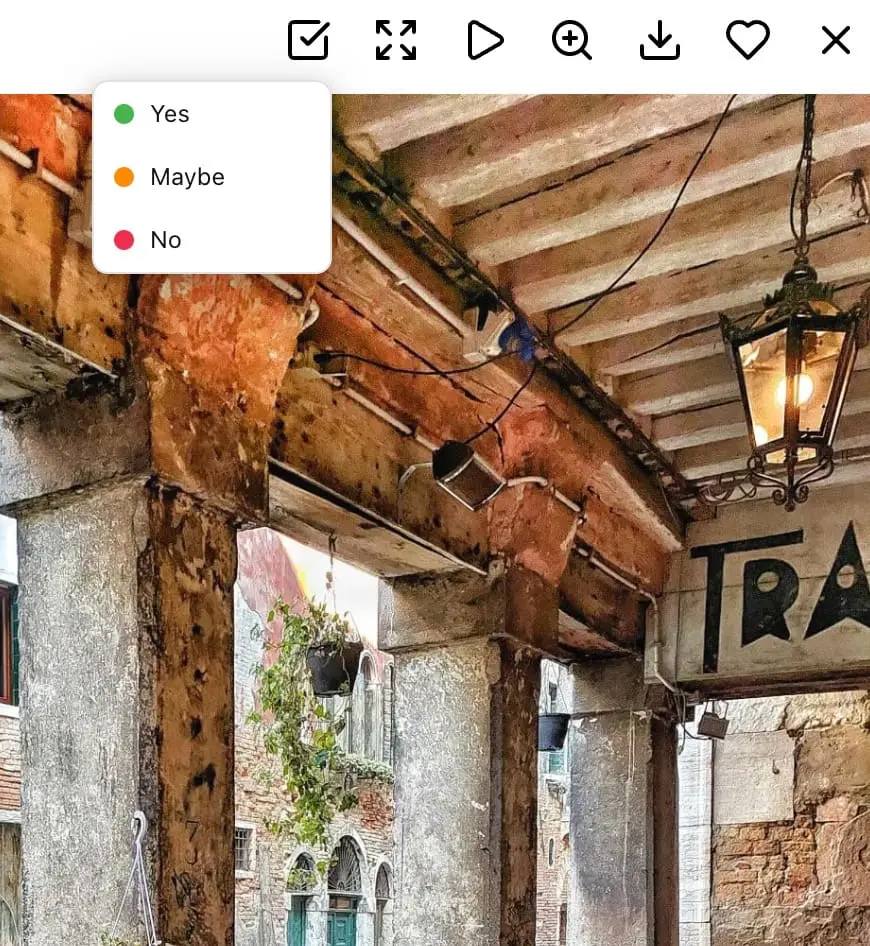
Clients mark each image with Yes, Maybe or No. They log in with their WordPress account and see their gallery with proofing enabled. If you sell packages with a fixed number of edits you can set a required number of final selections, giving both sides clarity.
Proofing needs to feel simple for the client.
Inside the gallery a proofing bar shows the running totals for Yes, Maybe and No. Clients can review a large set of images and see their progress without losing their place.
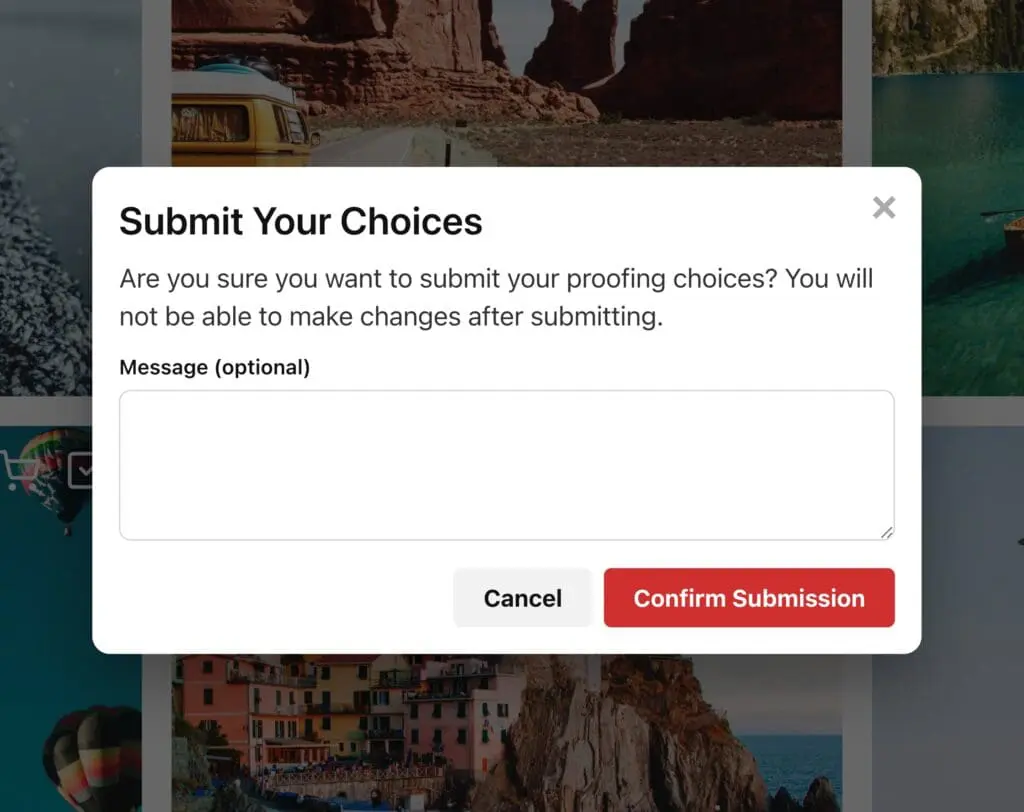
Once the client is ready, they can submit their proofing choices directly from the gallery, and they can add a message to you at the same time.
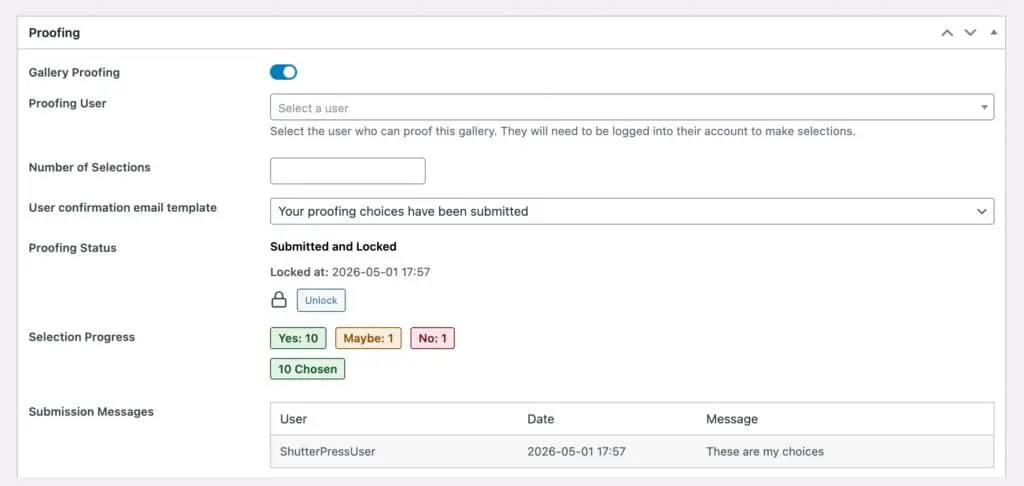
You can lock the submission to prevent accidental changes. This gives you a clear list of approved images and your client knows their selection has been received.
You review and manage selections in the gallery admin area. See how many images are marked, view any messages, export selections to CSV and unlock the gallery if changes are needed.
Everything stays within WordPress so there is no need for a separate system.
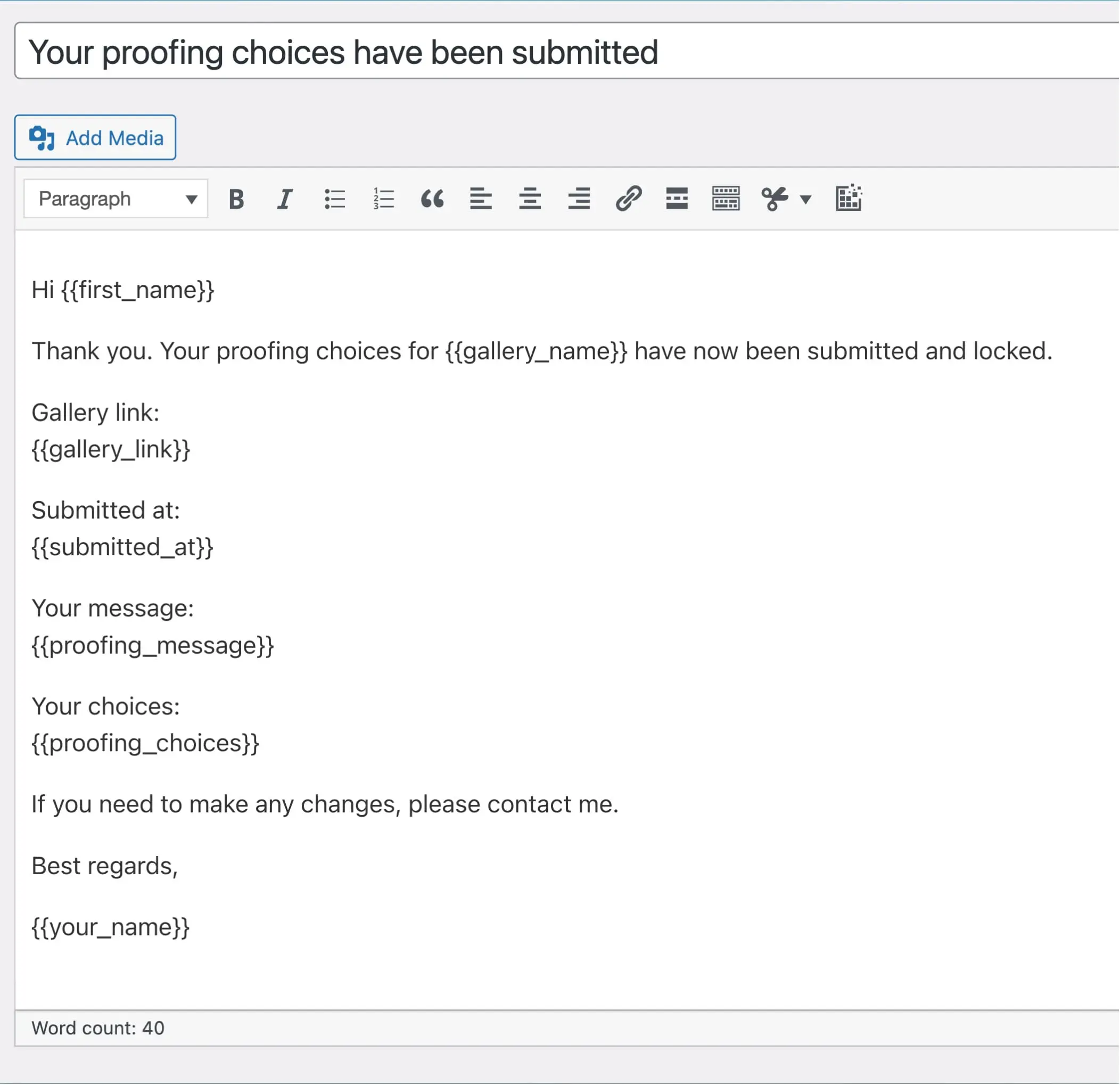
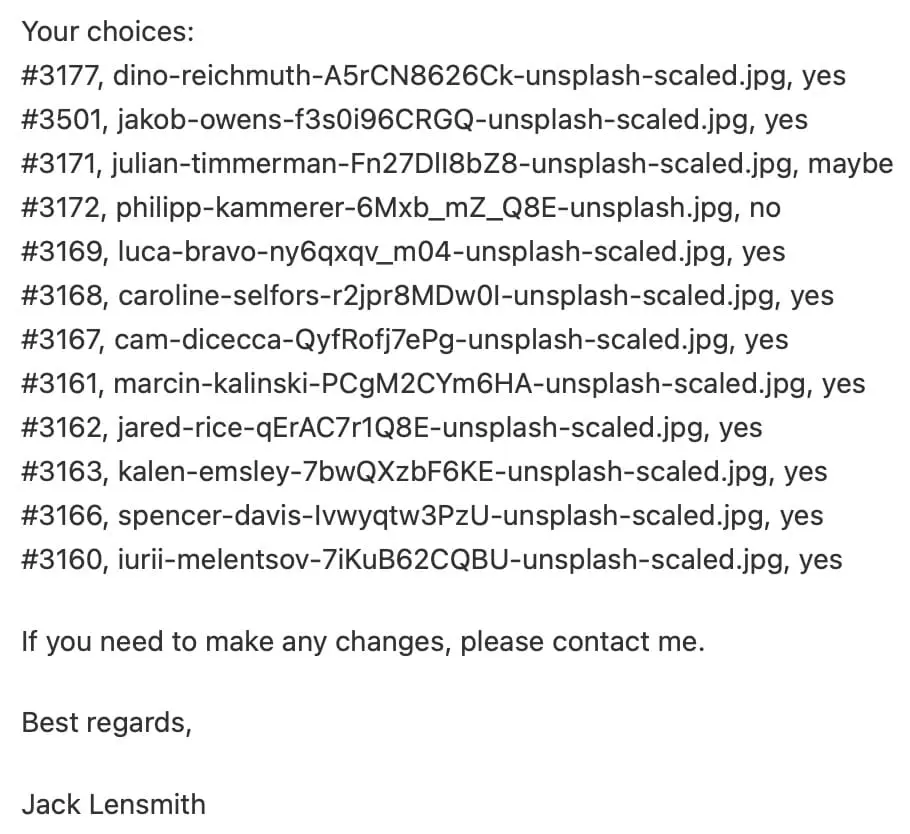
Send automatic confirmation emails when a client submits their choices. Use templates with placeholders for gallery details and selections.
Clients know you have received their decisions and you have a smoother path into editing, design or delivery.
Traditional proofing can involve screenshots, notes and guesswork. With ShutterPress you work in one place. Your client is already in the gallery so they mark images visually and submit everything at once.
Selections get scattered across emails, screenshots, and notes, making the whole job slower than it needs to be. Clients can easily change their mind and there is no record of submitted choices.
Whether you photograph weddings, portraits, sports or events, proofing should be quick. ShutterPress turns a normal gallery into a proofing gallery using WordPress user accounts. Clients log in and start choosing right away.
Large galleries are no problem and you can track progress as your client narrows down their favourites.
Sign up to our email list and receive our exclusive 65-page guide, How to Make Money from Photography.
Enter your details below to get instant access.