




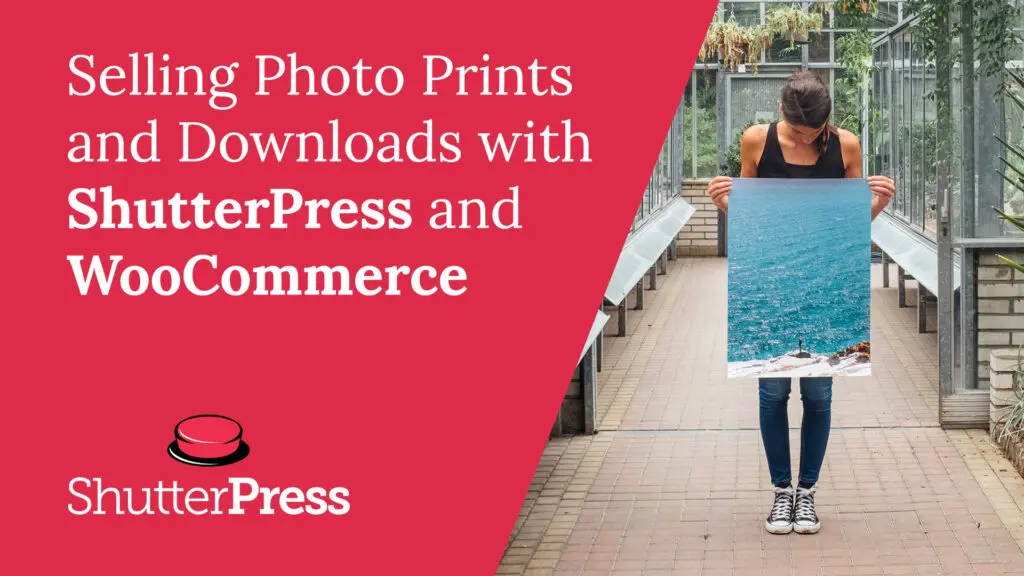

If you’re a photographer using WordPress, combining ShutterPress with WooCommerce is the easiest way to sell prints and digital downloads directly from your photo galleries. This guide explains how the integration works and why it’s ideal for professional photographers who want a seamless, automated sales system.
Why ShutterPress with WooCommerce is perfect for photographers
ShutterPress was built specifically for photographers. It manages your galleries, client access, and presentation beautifully. WooCommerce adds secure payments, product options, and order tracking. Together, they let you sell your work straight from your website—no third-party platforms, commissions, or complicated setup.
With ShutterPress connected to WooCommerce, your visitors can:
- Browse your galleries and choose their favourite images
- Select print sizes, paper types, or download options
- Add products directly to the WooCommerce cart
- Checkout using standard payment gateways like Stripe or PayPal
Watch the video tutorial
In this short walkthrough, we show exactly how the integration works, from setting up templates to making your first sale.
How to set it up
Install and activate ShutterPress and WooCommerce.
Both plugins work together automatically once installed.
Create a gallery in ShutterPress.
Upload your images and choose your preferred gallery style.
Assign a WooCommerce product template.
Define the print sizes, finishes, or download types available.
Publish and test.
Open your gallery on the front end, add an item to the cart, and complete checkout to see the full experience.
Key benefits for photographers
Sell directly from your own website – keep 100% of your revenue.
Offer prints and digital downloads – flexible product options for any workflow.
Automate your sales process – orders, payments, and delivery all handled by WooCommerce.
Match your brand – ShutterPress galleries are fully customisable to fit your site’s look and feel.
Start selling your photography today
ShutterPress and WooCommerce together give photographers a complete, professional e-commerce solution. Whether you’re selling prints, downloads, or client galleries, setup takes minutes and works seamlessly with your existing site.