







Once you’ve created and saved your gallery, it can be viewed on the front end of your site using the gallery permalink.
Permalink #
Each gallery has its own unique permalink or page, which is shown directly beneath the gallery title. Clicking the link opens the gallery page where visitors can view it exactly as configured.
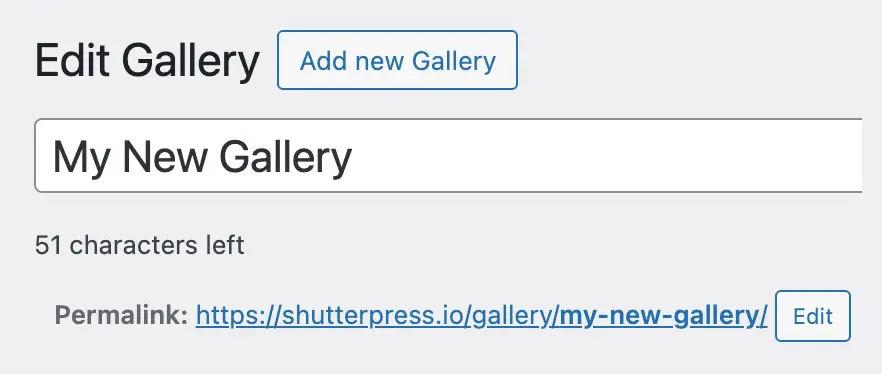
The first part is your website, the second part is the gallery slug that you set in Gallery Settings and the third part is created from the gallery name.
Adding the Gallery to a Page #
You can also embed your gallery into any post or page using:
- The ShutterPress Gallery Block in Gutenberg.
- The ShutterPress Gallery Widget in Elementor.
- The Shortcode generated automatically for each gallery.
When inserting through Gutenberg or Elementor, simply select your gallery from the dropdown and it will display with your chosen layout, hover effects and lightbox settings.